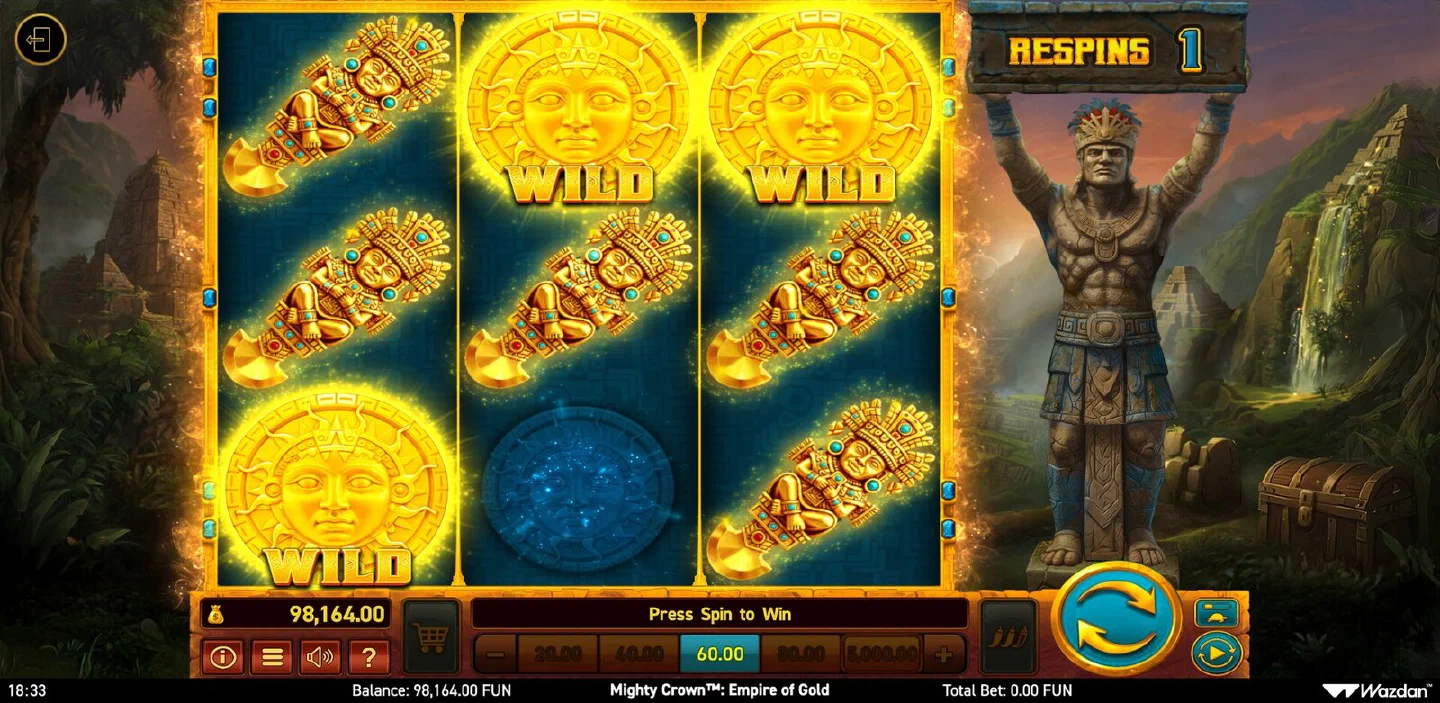
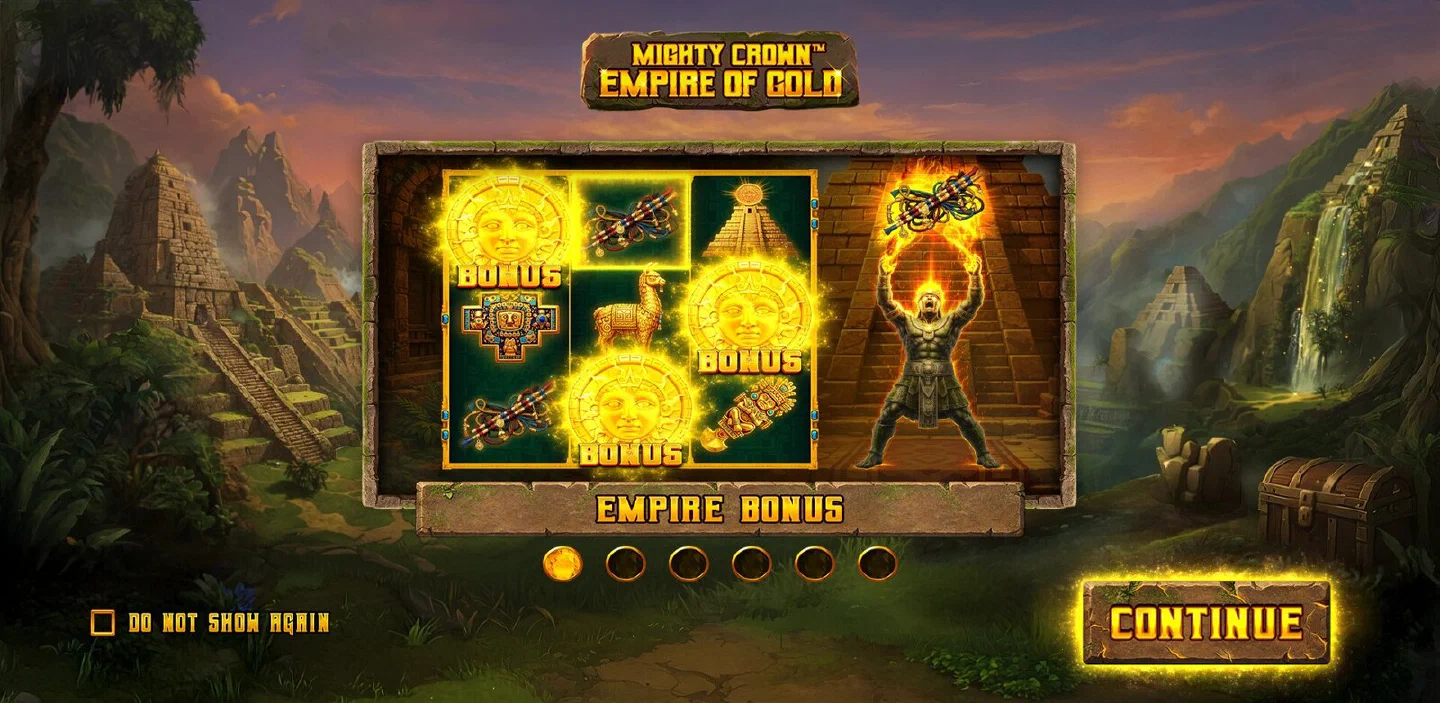
Mighty Crown: Empire of Gold travels well. The title is released for all platforms, so the version on your phone is the version on a desktop: three reels, five fixed lines, 96.13% RTP, the Empire Bonus with its three respins and the full five-price feature buy. You open it in the partner casino app: Android as an APK, iOS by installing it to the home screen, and the button at the top of this page is the path there.
Installing in four steps#
The procedure is short and the same on both systems until the last step.
- Open the casino with the button on this page. That takes you to the operator’s own site, where the app download lives. Doing it from here means you land on the page that actually carries the file rather than hunting through a lobby.
- Download the app. On Android it comes as an APK, which your phone will ask you to approve before installing, which is standard for anything installed outside a store, and you accept it once. On iOS, the casino serves an install-to-home-screen flow instead, and the resulting icon behaves like any other app.
- Sign in, or create the account, and set your limits. The same account works on phone and desktop, so a session can start on one and continue on the other. Deposit and loss limits are quickest to set now, while nothing is at stake.
- Find the game in the slots section. Search for the full name, Mighty Crown™: Empire of Gold, and check that the studio shown is Wazdan. The same provider publishes Mighty Crown™: Legacy of Mars along with the Mighty Wild, Mighty Symbols and Mighty Hot series, so the full title is what you want.
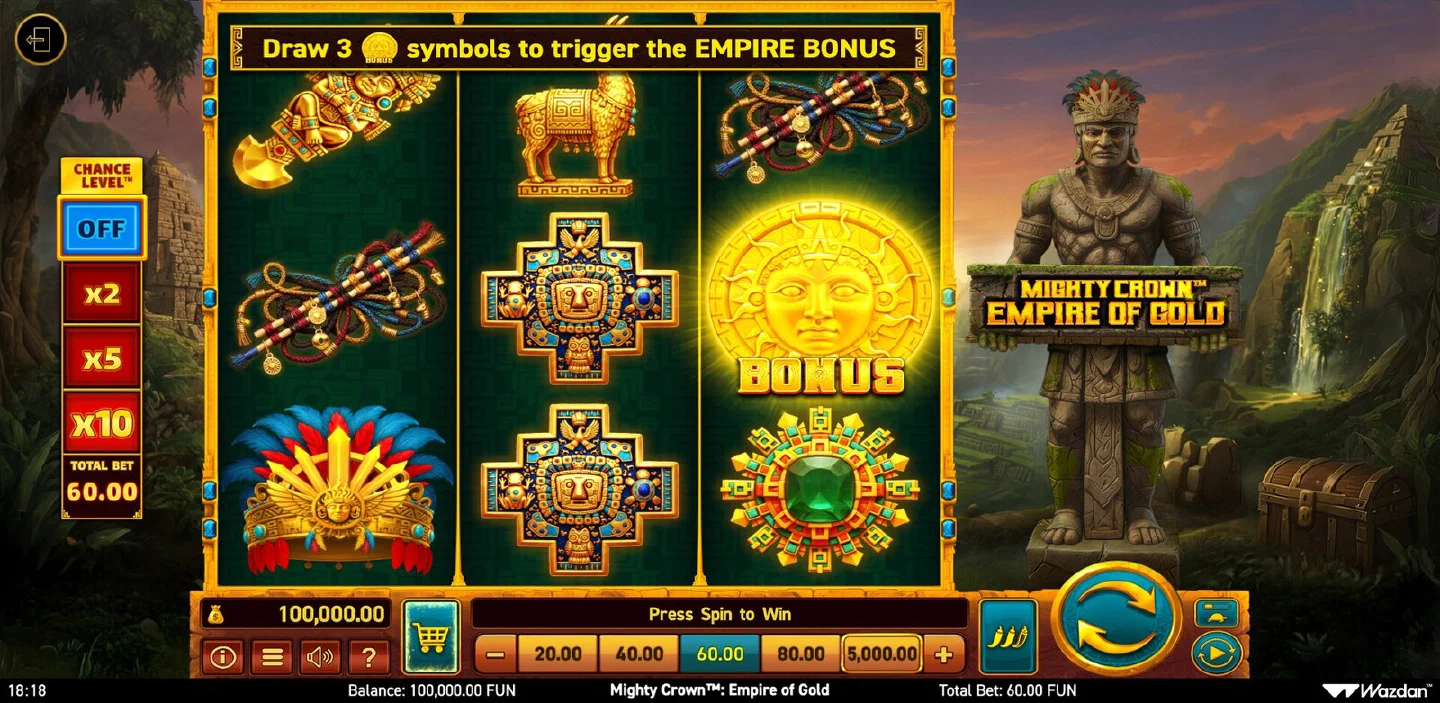
From there it is the game you already know: pick a bet step, set Chance Level™, spin. If you have not met the controls yet, the game page runs through the rail button by button.
What stays the same in the app#
The release is published for all platforms, so the same set of numbers reaches you whatever you open it on. The spec makes that easy to check line by line.
| Spec | Value on mobile |
|---|---|
| RTP | 96.13%, the published figure for the game |
| Max win | up to 1,500x your bet per round |
| Grid and lines | 3 reels, 3 rows, 5 fixed bet lines paying leftmost to right |
| Bet range | 0.40 to 5,000.00 FUN in total |
| Empire Bonus | 3 BONUS symbols trigger it, 3 respins with a reset, 3x to 15x on a full grid |
| Feature buy | all five levels, 50x to 600x your bet |
| Chance Level™ | OFF, x2, x5, x10 |
| Gamble | up to 7 rounds, carry-over up to 150 |
The two entries worth opening yourself on the first phone session are the bonus and the shop. The respin counter resets with every new game symbol, the WILDs stick, and the shop carries all five prices with the Extreme and Double Extreme volatility levels behind its two top ones. At a 60.00 FUN total bet that ladder reads 3,000, 6,000, 12,000, 24,000 and 36,000 FUN, and a filled grid at the top of the multiplier range pays 900.00 FUN on the same stake.
A 3x3 grid also happens to be the ideal shape for a phone. Nine symbol positions and five short lines need no zooming and no landscape orientation, and the paytable in GAME INFO fits on a single screen. The features page goes through each mechanic in detail.
Pace and controls on a touchscreen#
Speed is a setting here, not a fixed pace: normal, fast and the mode the provider lists as Ultra Fast Mode, and all three are available wherever the game runs. On a touchscreen the fastest setting is genuinely fast, because there the tap lands where you are already looking: one touch and the next result is on screen.
Which is exactly why autoplay and its stop conditions matter more on a phone than anywhere else. Stop on a win, stop when the bonus triggers, stop when the balance changes by an amount you set: each of those turns a fast session into a deliberate one. Set them before you raise the speed, not after.
There is a practical touchscreen routine worth adopting. Set the bet step and Chance Level™ once at the start, because those are the two controls you least want to nudge by accident mid-session; then leave your thumb on the spin button and use autoplay for any stretch longer than a few rounds. If you plan to use the shop, open it deliberately between rounds rather than in the middle of a fast sequence: at a 20.00 FUN step the cheapest level is 1,000.00 and the dearest is 12,000.00, and those are not numbers to tap past by mistake.
On desktop#
Nothing changes going the other way. The title is released for all platforms, so it runs in a desktop browser with the same settings, the same shop prices as a multiple of your bet and the same account behind it. Players who set a session up on a laptop and finish it on a phone use one account and one balance throughout; the game does not treat the two as separate installations.
Language, currency and your account#
Wazdan supplies the game in more than 30 languages, and the in-game GAME RULES document is itself served in German, Spanish and Italian as well as English. That is a small thing on a desktop and a real convenience on a phone, where the rules screen is where you check a shop price or the gamble carry limit in the middle of a session.
Currency is handled the same way: the release is published for all currencies, so your account’s own denomination is what appears on the bet rail, with no conversion layer inside the game. The rail itself still runs from 0.40 to 5,000.00 in total per spin, and which intermediate steps you see is a property of the build your casino serves rather than of the device: some clients step 20.00, 40.00, 60.00 and 80.00, while the ladder illustrated in the game rules climbs through 1.00, 1.50, 2.00 and 2.50 towards 100.00. Check yours once on the phone before you plan a budget around a shop price, because the same DOUBLE EXTREME purchase is 12,000.00 on the first ladder and 600.00 on a 1.00 step.
Distribution explains why the app version is not a special case. Wazdan delivers the title through the major aggregators with a quick API integration, and the game’s own certified-market block runs from Malta and the United Kingdom through Sweden, Denmark, Portugal, Belgium, the Netherlands and Poland to Brazil and Mexico. That list describes where the game itself is certified at game level; which operator serves it to your phone, and under which licence, is a separate question that the where-to-play overview takes on.
Real-money play adds two things that matter more on a phone than on a desk. Game history, listing every round you have played, is available when playing for money, and on a phone it is the simplest way to review a session played in pieces between other things. And a round that gets interrupted and cannot be completed stays available for 90 days, which is the rule you will appreciate the first time a train goes into a tunnel during a bonus round.

Straight in the mobile browser#
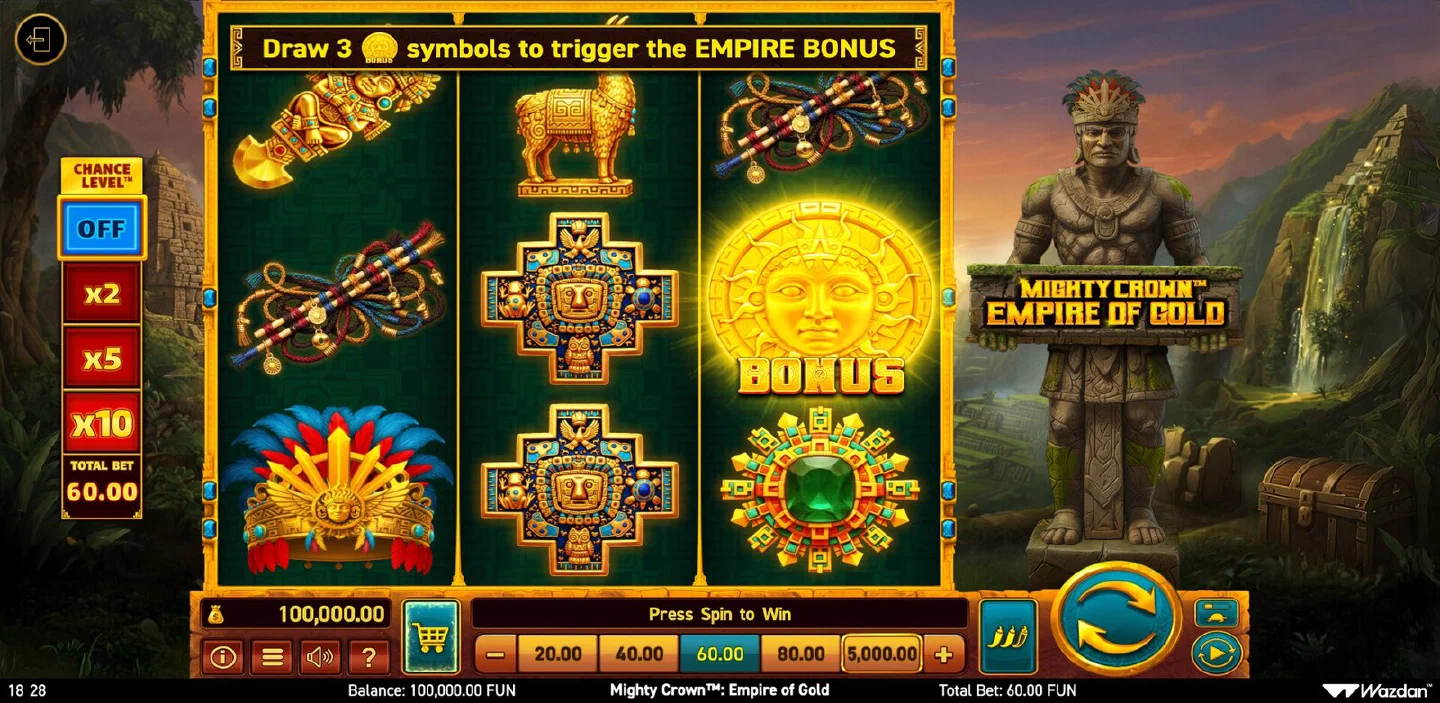
If you want to see the game before installing anything, no installation is needed: the provider’s demo client opens in a mobile browser with 100,000.00 FUN of play money, and every control described on this page is live in it. The demo page carries it in a frame sized for a phone.
Treat that as the fast preview rather than the destination. The browser demo is ideal for learning what Chance Level™ does to your balance and what a filled grid pays. The app is what adds the rest: your own balance, the game history that lets you review a session afterwards, and the bonus notifications that arrive while you are doing something else. It is where a session with a plan actually lives, and the where-to-play overview covers what else to check before a first deposit. The slot hub has the complete profile of the game if you want one more look first.